

It’s the middle of the lunch rush and you run out of takeaway cups. You had it written down somewhere. This doesn’t happen because you didn’t keep records. It happens because you didn’t see them in time.
When you run a shop on your own or with a small team, stock is always an “I’ll check later” job. Then you hit an empty box at the busiest moment. Here’s why that happens and how to prevent it.
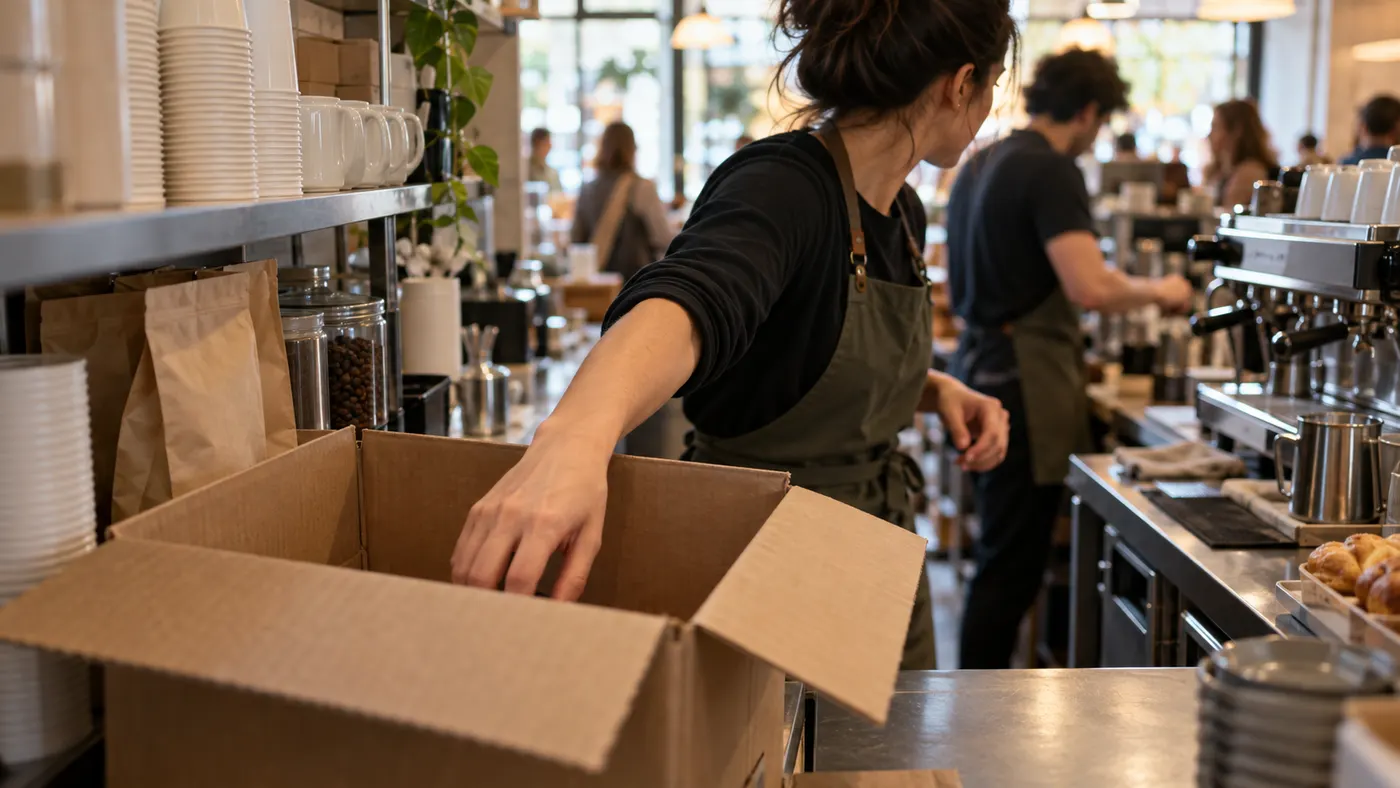
3 reasons small businesses lose track of inventory
You only see it when you open itNotebooks, spreadsheets and notes apps only show the numbers to whoever opens them. On busy days, nobody has time to.
It's hard to record at the shelfIf you can't log it the moment you take something out, it becomes "I'll update it on the computer later," and the numbers drift.
There's no rule for when to reorderOrdering when it "looks a bit low" means you're either too late or overstocked.

The fix is simple: set a threshold and let alerts do the checking
All three problems go away together. Set a reorder point for each item (“order when it gets this low”), and let your phone tell you when stock drops below it. Then you don’t have to check every day.
How do you pick the threshold?
“A little more than what you’ll use before the next delivery arrives” is enough. For milk, for example:
That’s the 8 L you’ll use over two days plus one day of buffer. Start with a rough number and adjust it after a few weeks.
Here’s how it works in TrayGo
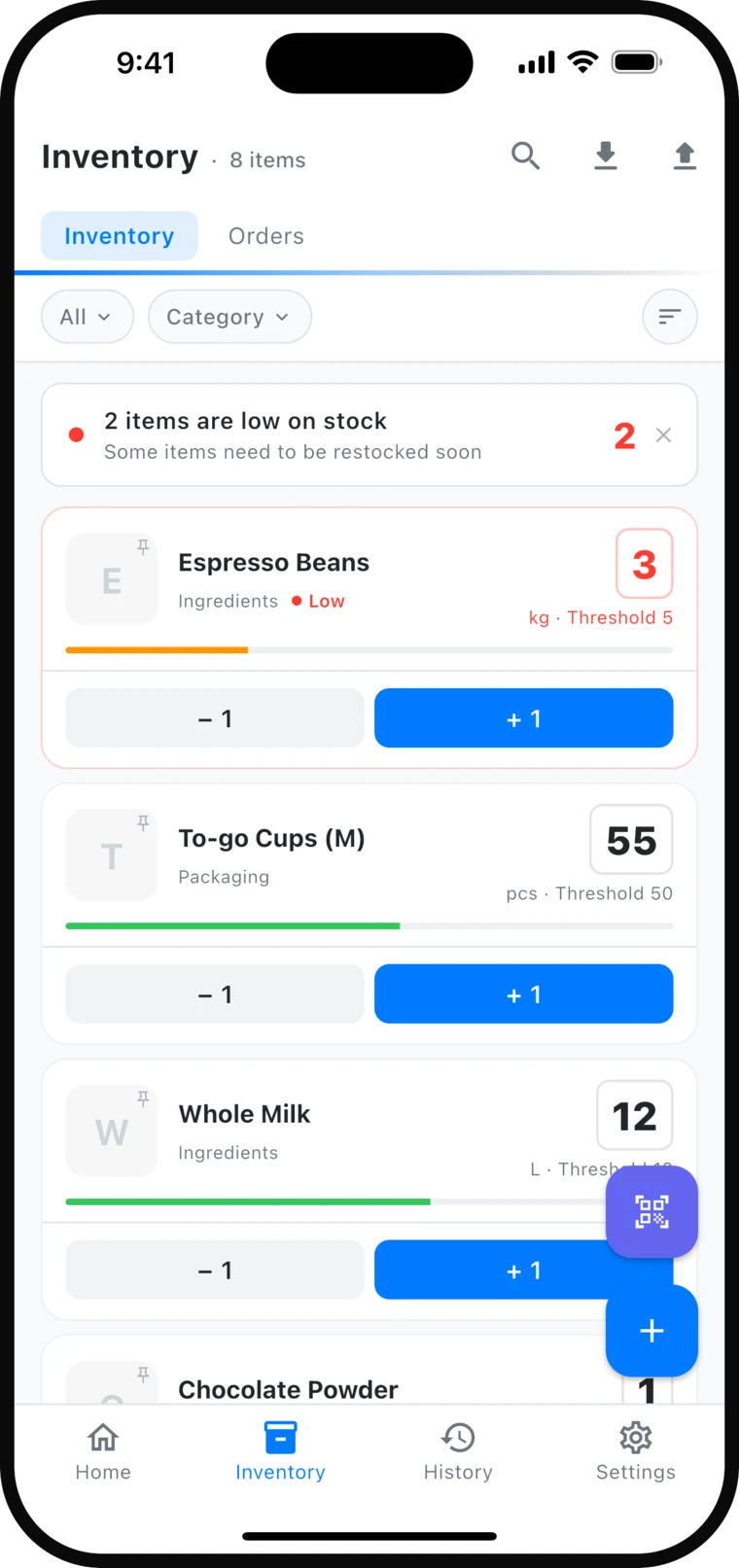
- Add your items and set a thresholdAll you need is the item name, quantity and threshold. The free plan covers up to 100 items.
- Tap +1 or −1 right at the shelfIt's recorded the moment you take something out. No copying numbers to a computer later.
- Get an alert when stock drops below the thresholdLow items gather at the top of the list, so you see at a glance what needs ordering.
If you use a spreadsheet today
You don’t have to re-enter everything. Tap the ↑ button at the top right of the inventory screen to download the TrayGo Excel template, copy in your item names, quantities and thresholds, then upload it to add everything at once. If you’re unsure whether to stick with spreadsheets, Managing inventory in Excel: how far can it take you? can help.
Summary
- Stockouts happen not because you don't keep records, but because you don't see them in time
- Set an "order when it gets this low" threshold for each item
- What you'll use before delivery plus a small buffer is enough for a threshold
- Let alerts do the checking, and record changes right at the shelf